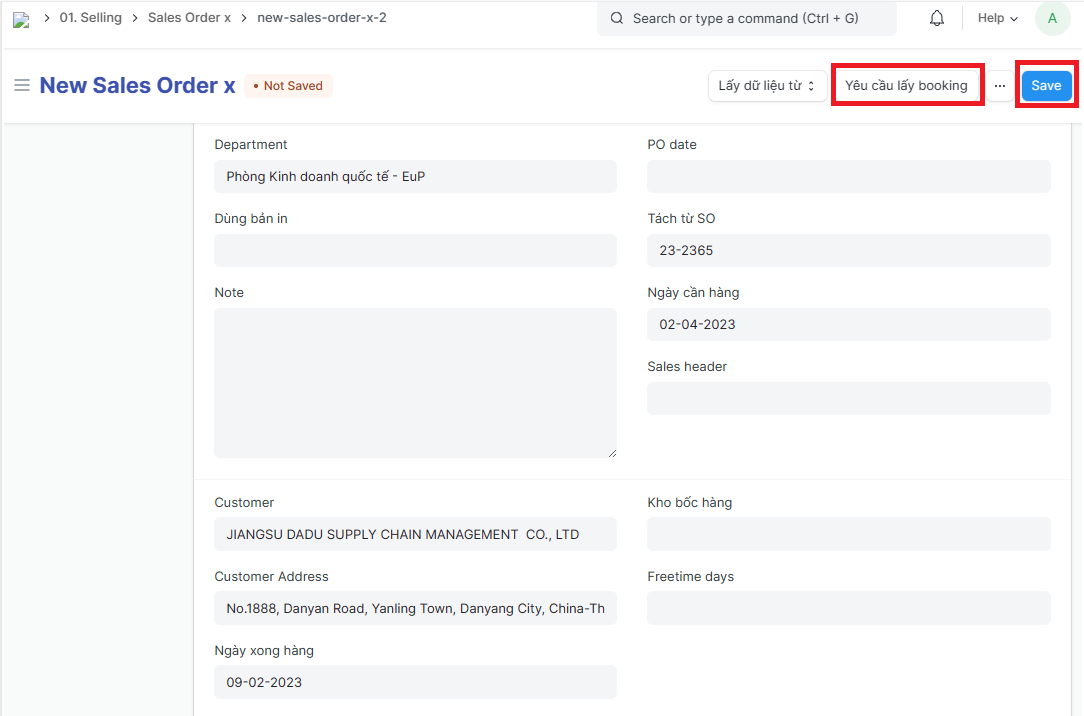
Sales order split
An order that is split from an original Sales order is called a Sales order split
Sales orders are split when:
Customer places 1 total order, and requests to split into many smaller PI for signing;
Customers place 1 total order but need to deliver goods in 2 times, by 2 different bookings;
Customer places 1 total order but needs to split into 2 invoices….
1. Basic information:
The following information is necessary and should be created before creating the Sales order split: (if not available before, it can be created during the selection of the corresponding item)
Sales order (in advance): referred to as an original Sales order
PO
Customer
Salesperson
Item
Payment terms
2. Steps to follow:
Step 1: Open the original Sales order => click on "Tách SO - Split SO" to create Sales orders split
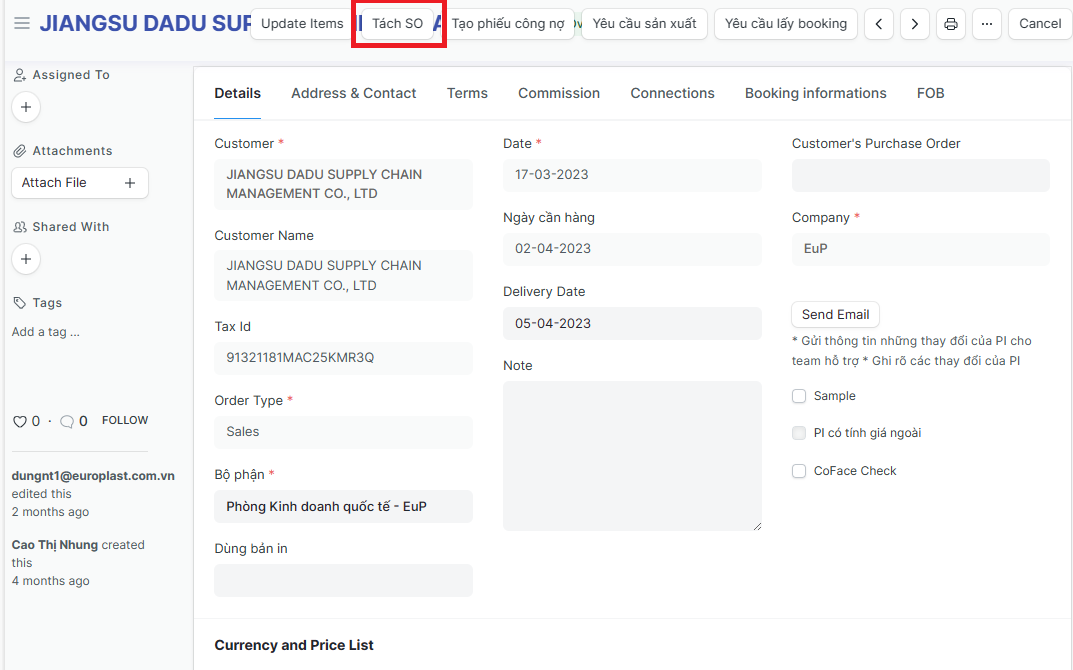
=> The system displays the Sales order split screen, with the initial information of the Sales order split being the same as the original order
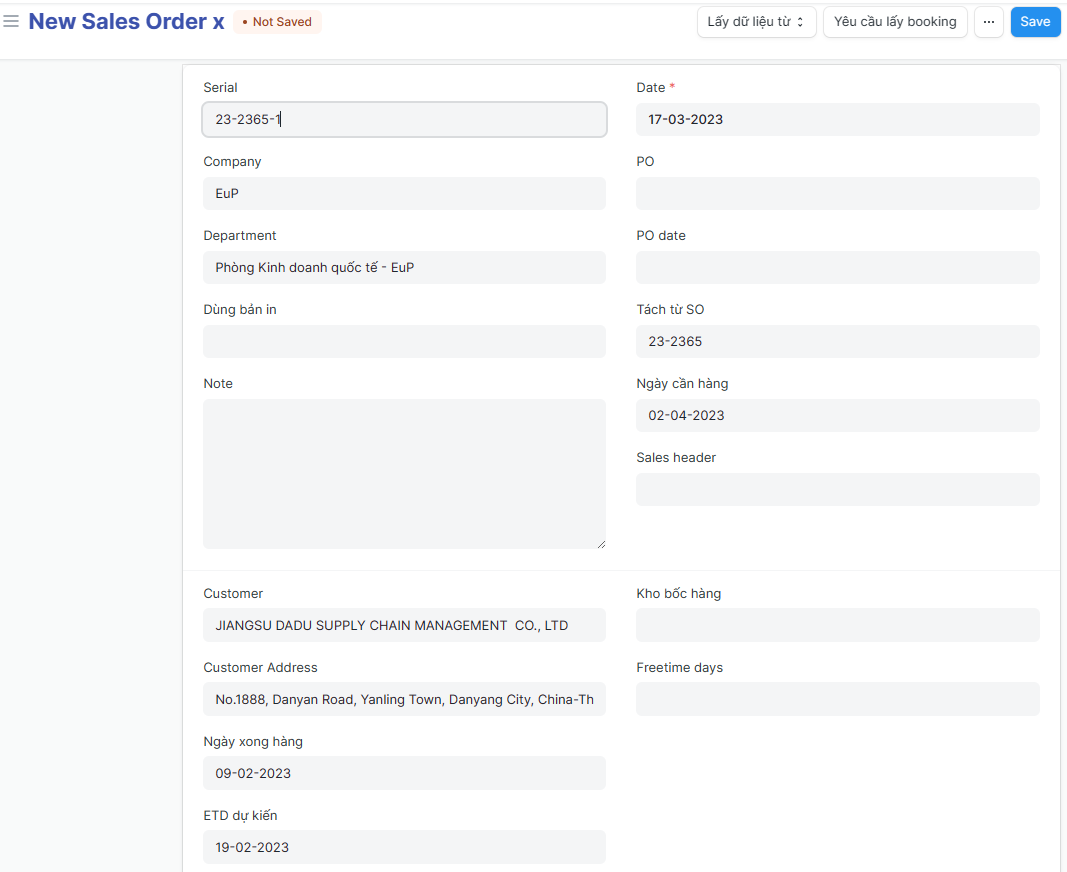
Step 2: Scroll down to the item table, the system displays the same items information as the items entered in the original Sales order; Users proceed to adjust items according to separation needs
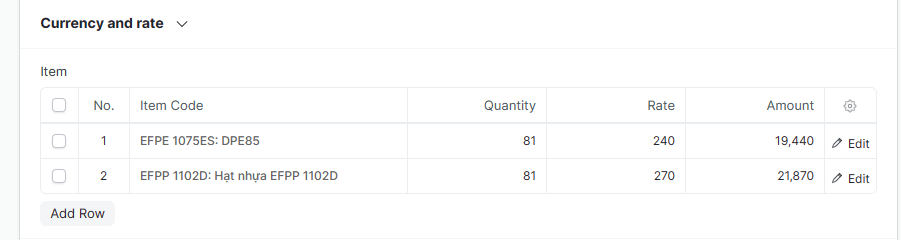
Step 3: Check the Qty of containers according to the quantity of items to be separated;
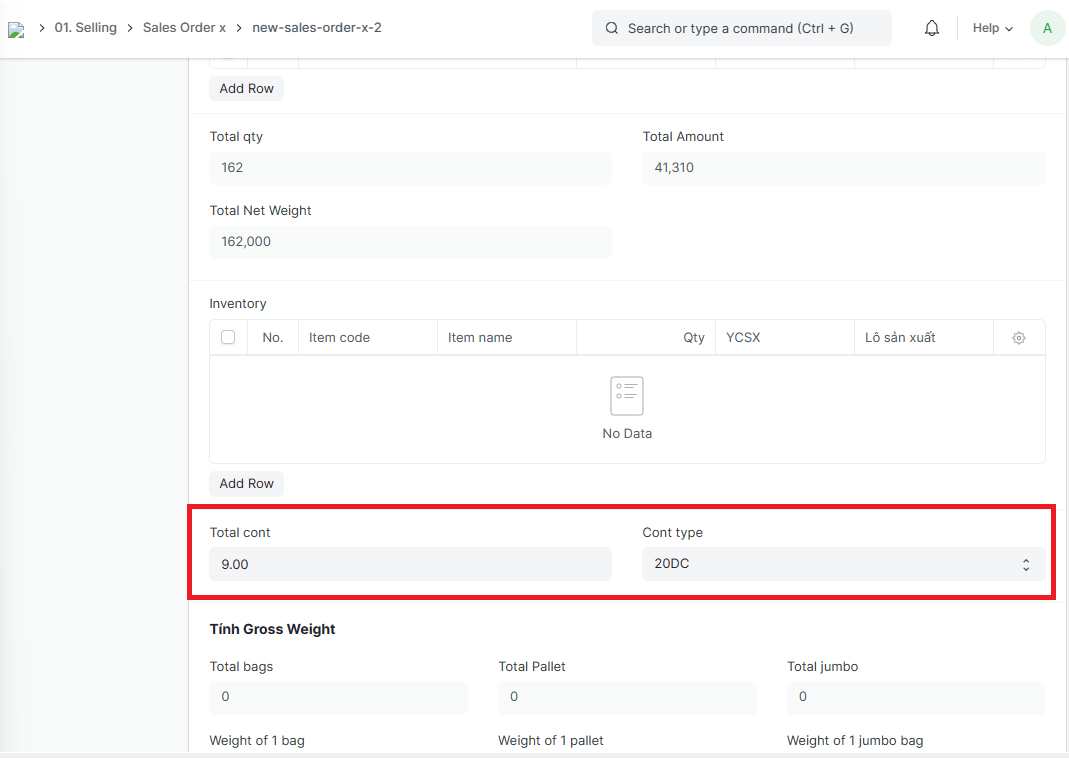
Step 4: Check the related informations, Click on “Save” to save the Sales order split; After saving the Sales order split, click on "Yêu cầu lấy booking - Booking Request" to enter information and send to the LOG team to get the booking for the split PI.