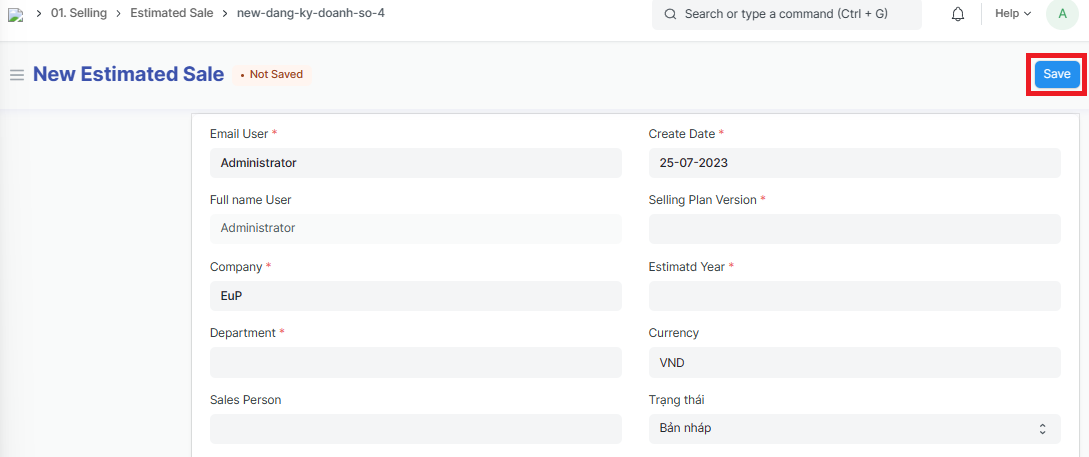
Estimated sales

1. Basic information:
The following information is necessary and should be created before creating the Estimated Sales: (if not available before, it can be created during the selection of the corresponding item)
User (Salesperson)
Company
Department
Selling plan
2. Steps to follow:
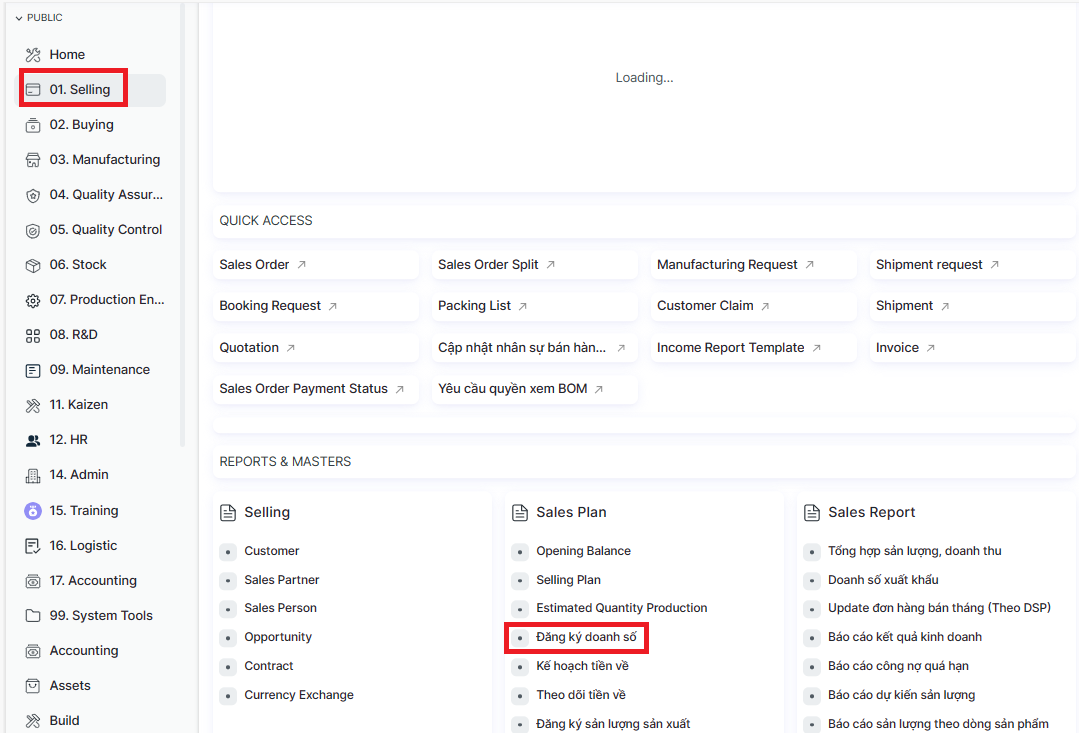
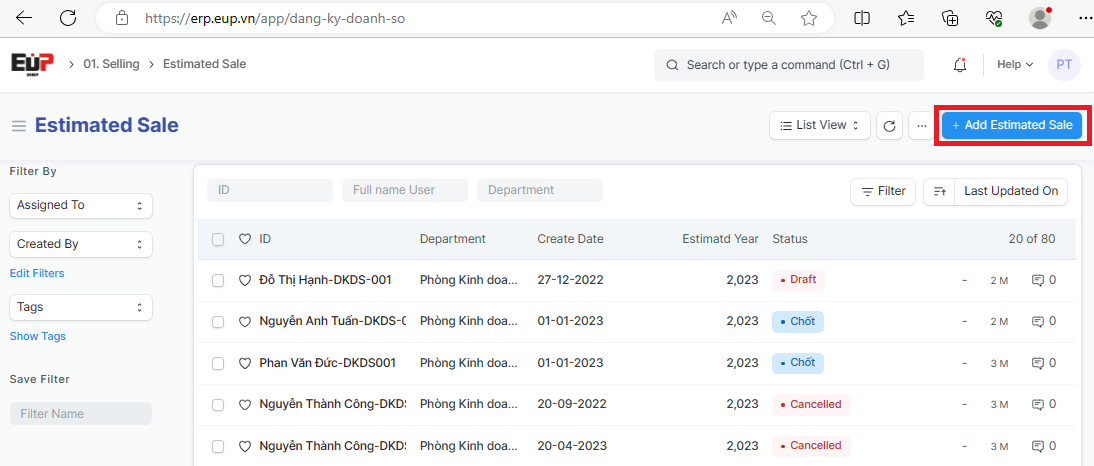
Step 1: Access the function of creating new Shipment on the system by following the link: Home page => Selling => Đăng ký doanh số (Estimated sales) => Add Estimated sales
Step 2: Enter the general informations of the Estimated Sales (Fields marked with * are required fields):
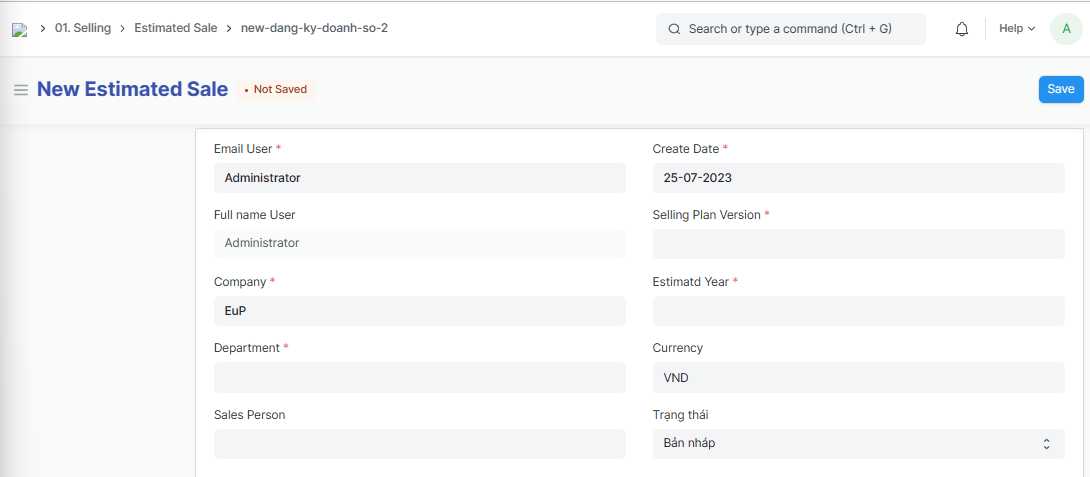
Email User:
Full name User: Autofill system after filling in the Email sales
Company:
Department:
Sales Person:
Create Date:
Selling Plan Version: Select the Selling Plan created
Estimatd Year:
Currency:
Trạng thái (Status): After creating, the salesperson changes the document status to the status of waiting for the department manager to approve it (If the document status is not changed, after saving the document only in draft status, the department manager cannot approve it)
Step 3: Enter Estimated sales details each month:
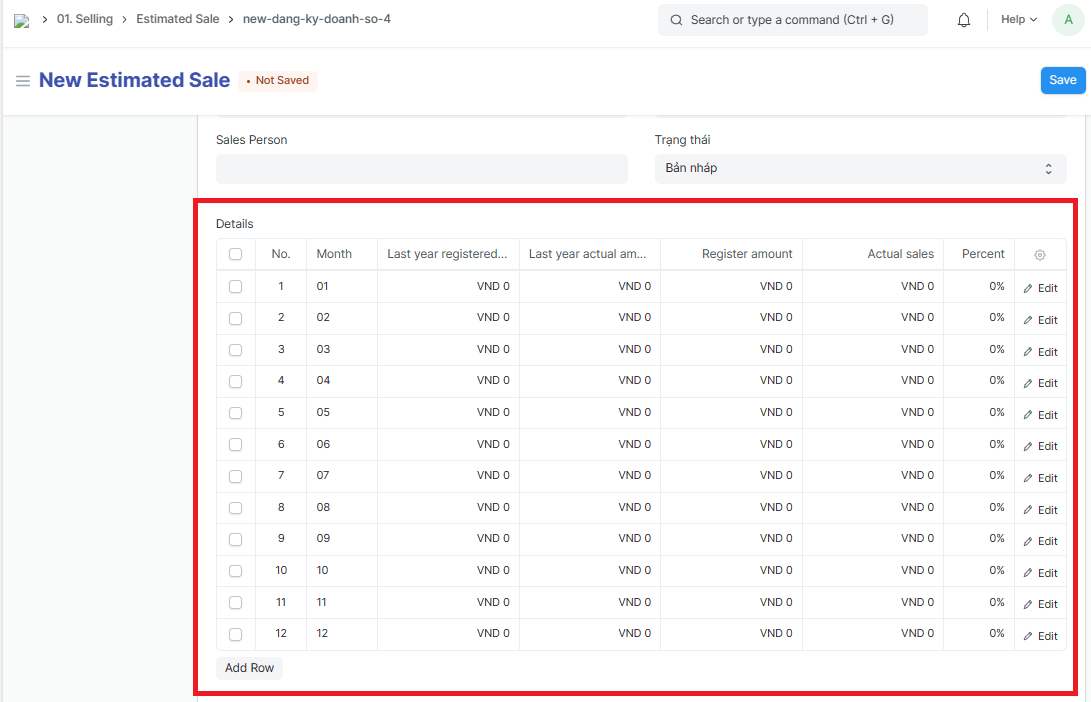
Month
Register amount
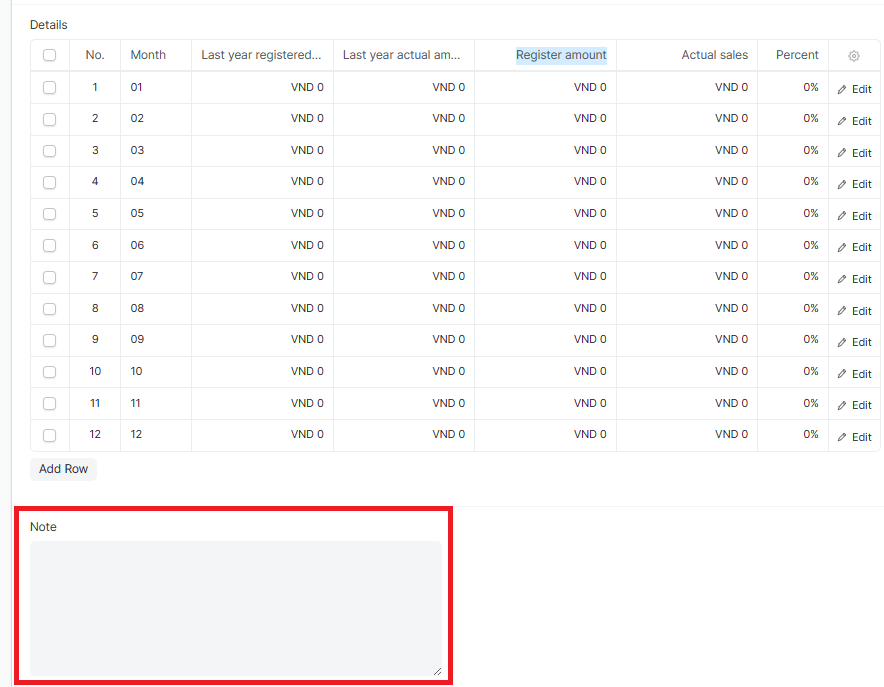
Step 4: Enter information of "Note" if any
Step 5: Click on "Save" to save the genarated Estimated sales